LV.0 / JAVA 문자열 출력하기

처음에 주어진 코드는 바꾸면 안되는 줄 알고 그 안에서 추가하려고하니까 단순한건데도 불구하고 헤멨다ㅠㅠ
import java.util.Scanner;

public class Solution {
    public static void main(String[] args) {
        Scanner sc = new Scanner(System.in);
        String str = sc.next();

        System.out.print(str);
    }
}
scanner에서 받는 문자열을 담는 변수명을 a에서 문제 조건에서 준 str로 바꾸고 단순하게 출력만했다 ~
LV.0 / JAVA a와 b 출력하기

import java.util.Scanner;

public class Solution {
    public static void main(String[] args) {
        Scanner sc = new Scanner(System.in);
        int a = sc.nextInt();
        int b = sc.nextInt();

        System.out.println("a = " + a);
        System.out.println("b = " + b);
    }
}
이건 단순해서 한번에 성공
LV.0 / JAVA 문자열 반복해서 출력하기
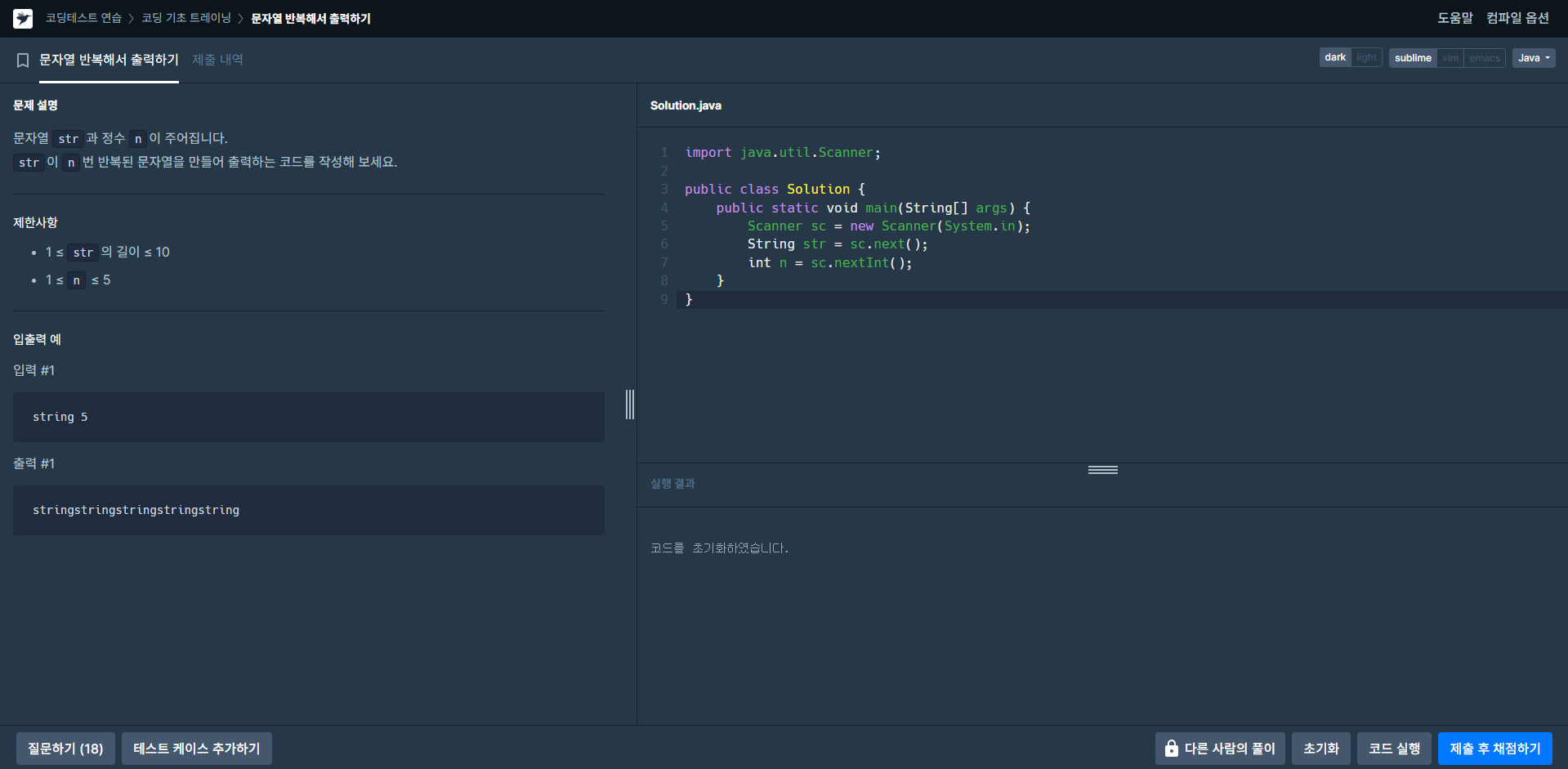
import java.util.Scanner;

public class Solution {
    public static void main(String[] args) {
        Scanner sc = new Scanner(System.in);
        String str = sc.next();
        int n = sc.nextInt();

        for(int i = 0; i<n; i++){
            System.out.print(str);
        }
    }
}
이것도 한번에 성공
LV.0 / JAVA 대소문자 바꿔서 출력하기
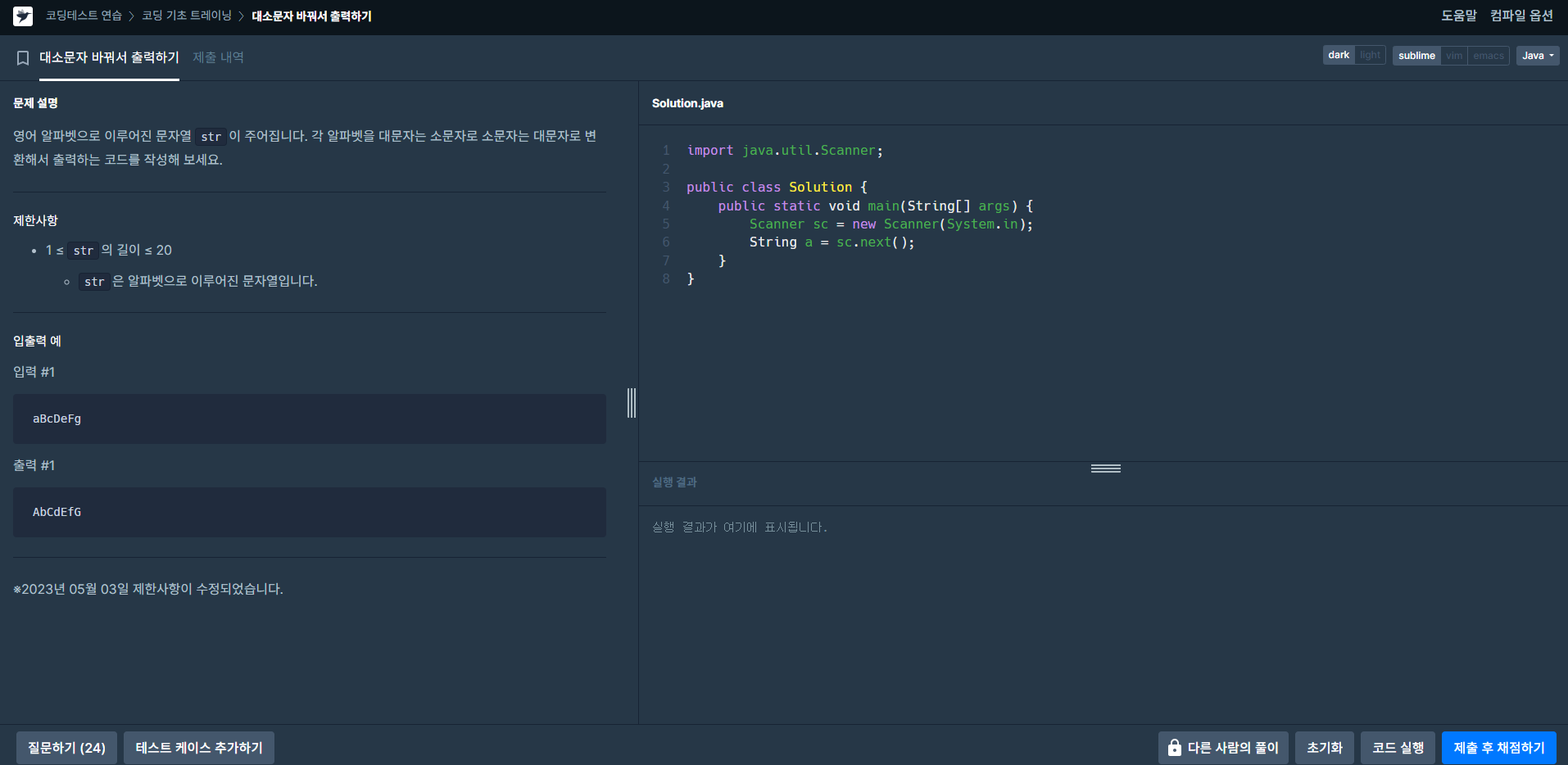
import java.util.Scanner;

public class Solution {
    public static void main(String[] args) {
        Scanner sc = new Scanner(System.in);
        String str = sc.next(); //입력받은 문자열
        char tmp;
        String output = ""; //대소문자 변환 후 문자열을 저장할 변수

        for(int i=0; i<str.length(); i++){
            tmp = str.charAt(i);
            if((65<=tmp)&&(tmp<=90)){ //입력받은 문자가 대문자일 경우, 소문자로 변환
                output += str.valueOf(tmp).toLowerCase();
            } else if((97<=tmp)&&(tmp<=122)){ //입력받은 문자가 소문자일 경우, 대문자로 변환
                output += str.valueOf(tmp).toUpperCase();
            } else {
                output += (char)tmp; //해당하지 않을 경우, 그대로 저장
            }
        }

        System.out.println(output);
    }
}
아스키코드랑 toLowerCase, toUpperCase가 헷갈려서 조금 찾아보면서 했다...
테스트 연습 레벨을 조금 높일까했는데 아무래도 연습이 조금 더 필요할 듯 하다...
LV.0 / JAVA 특수문자 출력하기

import java.util.Scanner;

public class Solution {
    public static void main(String[] args) {
        System.out.println("!@#$%^&*(\\'\"<>?:;");
    }
}
'Coding Test Practice' 카테고리의 다른 글
| Coding Test Practice_4 (5) | 2024.11.03 |
|---|---|
| Coding Test Practice_3 (8) | 2024.10.25 |
| Coding Test Practice_1 (5) | 2024.10.07 |